Download Extension ZIP (v1.2.16)
How to install / Installation
Deutsch
- Lade die ZIP-Datei herunter und entpacke sie auf deinem Computer.
- Öffne Chrome und gehe zu chrome://extensions.
- Aktiviere oben rechts den Entwicklermodus.
- Klicke auf Entpackte Erweiterung laden.
- Wähle den entpackten PageLiner-Ordner aus.
English
- Download the ZIP file and extract it on your computer.
- Open Chrome and go to chrome://extensions.
- Enable Developer mode in the top right corner.
- Click Load unpacked.
- Select the extracted PageLiner folder.
Screenshots
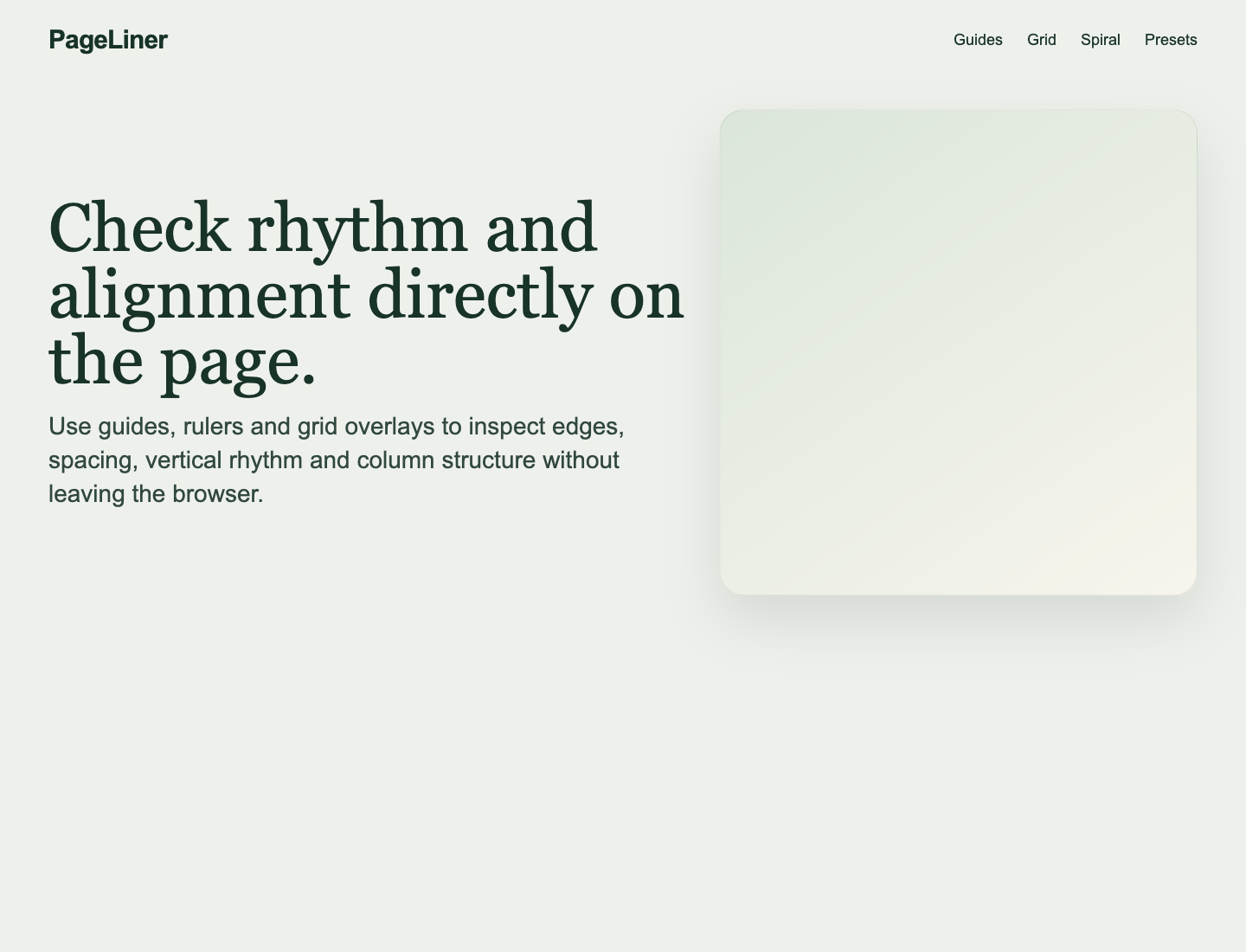
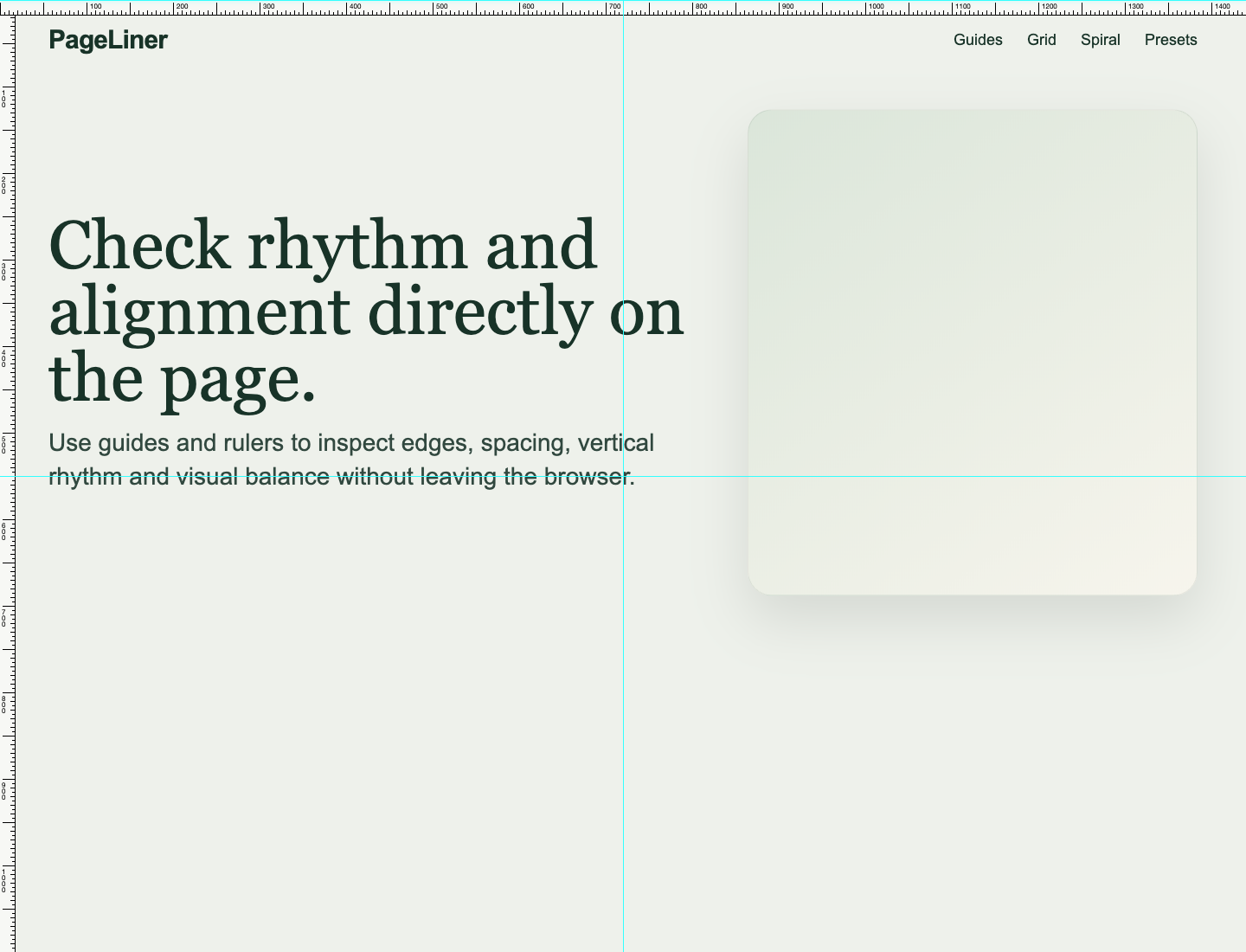
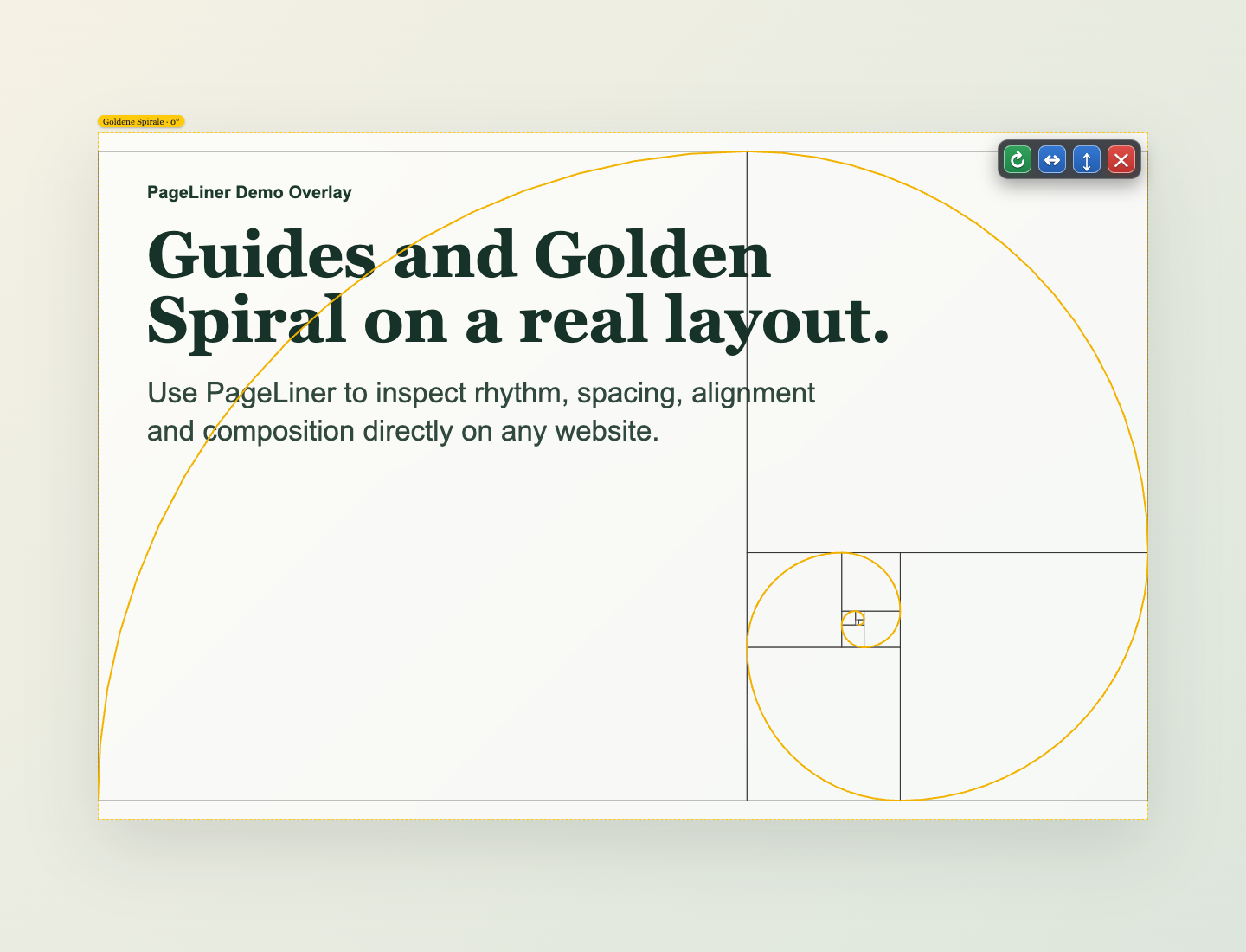
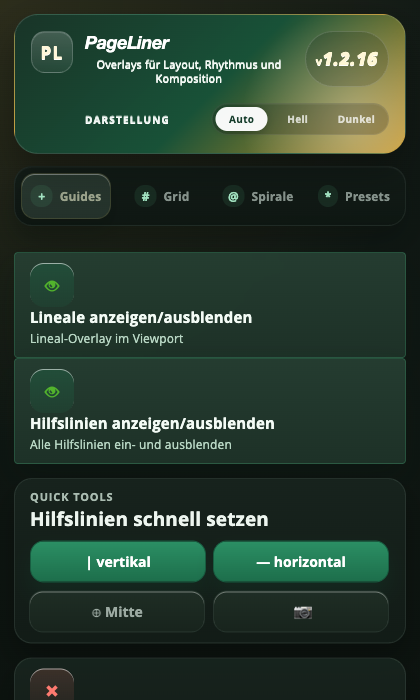
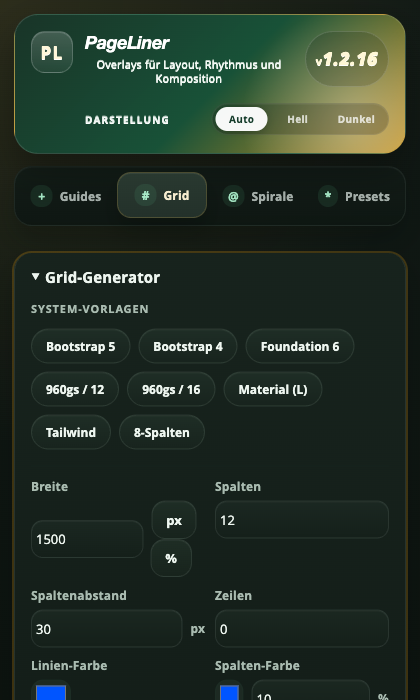
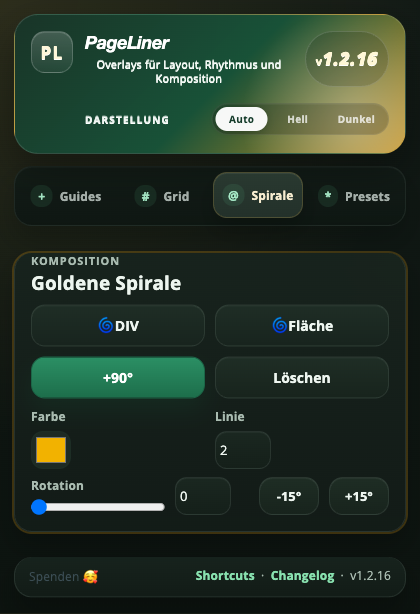
Version 1.2.16 (13.04.2026)
- Popup UI redesigned with real tabs and a cleaner visual hierarchy
- Guides and rulers are now the default primary area in the popup
- Automatic German/English popup language plus theme switcher (Auto, Light, Dark)
- Golden Spiral workflow expanded with DIV/area placement and richer controls
Fixes
- Removed the unwanted update tab after extension updates
- Dark mode surfaces and hover states corrected across the popup
- Improved contrast for guide and quick-tools hover states
Version 1.1.5 (30.03.2026)
- Maintenance release
- Fixed popup i18n helper collision („t is not a function“)
Fixes
- Stabilized extension error handling in popup context
Version 1.1.4 (30.03.2026)
- Grid now replaces the previous grid when regenerated (no stacking)
- Grid auto-regenerates after parameter changes (width, columns, gap, rows, colors, overlay)
Fixes
- Improved grid refresh behavior between popup and content script
Version 1.1.3 (29.03.2026)
- MV3 hardening and permission cleanup
- i18n improvements (EN/DE)
- Updated changelog link and release workflow
Fixes
- Removed dead external changelog URL
- Stability fixes in extension scripts
PageLiner is based on the original PageLiner project by Kai Neuwerth and distributed under Apache License 2.0.